PF Passbook Download 2026 | Check Your Balance & Get PDF
If you want to quickly check your PF balance and keep a clear record of your savings without any hassle, you can easily do it online in just a few minutes. You don’t need to visit any office or stand in long lines. With just your mobile or computer, you can download your PF passbook in PDF format within a minute.
In this article, we will guide you step by step in simple language so you can do it yourself easily without any confusion.
What is a PF Passbook?
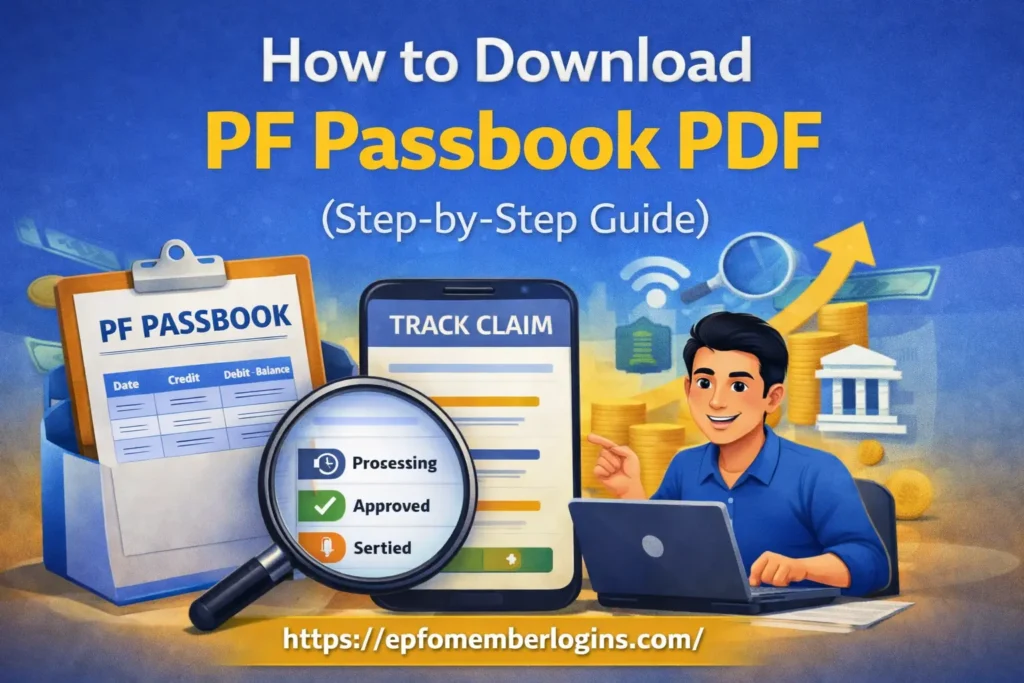
A PF (Provident Fund) passbook is similar to a bank statement, and it shows all the money deposited into and withdrawn from your PF account. It shows you how much money you and your company deposit every month, your total PF balance, and the interest added over time. By checking your passbook, you can easily understand how your savings are growing and keep track of your PF details whenever you want them.
The Employees’ Provident Fund Organisation also provides you with an online passbook, so you can easily check your PF details anytime. You can open it any time on your phone or computer.
Why You Should Download Your PF Passbook PDF?
Downloading your PF passbook as a PDF is very helpful. You need it when you apply for a home loan or bank loan. It can also be used as proof of employment. Here is why you should do it:
We always recommend updating and downloading your passbook every 3–6 months.
What You Need Before Downloading
Before we start the steps, make sure you have these things ready:
If you don’t know your UAN, you can find it on your salary slip or ask your company’s HR department.
How to Download PF Passbook PDF (Step by Step)
We have explained this process in simple steps, so you can follow easily and finish it in just a few minutes.
Step 1: Open the EPFO Passbook Website
First, open your browser (Chrome) and go to the official EPFO member passbook portal.
Step 2: Log in with Your Details
Now, you will see a login page. Enter:
Then click on the Login button.
Step 3: Click on Passbook Option
After logging in, you will see different options. Click on the “Passbook” option.
Step 4: Select Your PF Account
If you have worked in more than one company, you may see multiple PF accounts.
Choose the account you want to check.
Step 5: View Your Passbook
Now your PF passbook will open on the screen. You can see:
Step 6: Download the PDF
Look for the Download and Print option.
Click on it and save your passbook as a PDF file on your device.
How to Download PF Passbook Using UMANG App
If you do not find the website, don’t worry. There’s an easier option for you: the UMANG App. It is easy to use and helps you access your PF details quickly without any trouble. You can download it on your Android or iPhone.
Here is how to check your passbook on UMANG:
We recommend the UMANG app for people who mostly use their mobile phones.
Common Problems and Solutions
Sometimes you may face small problems. Here are common problems and their simple solutions:
| Common Problem | Easy Solution |
|---|---|
| Unable to log in to the EPFO website | Check your UAN and password carefully and try again |
| Forgot UAN password | Unable to login to the EPFO website |
| UAN not activated | Activate your UAN on the EPFO portal first |
| Passbook not showing | Wait for a few days or check again later |
| Website not opening | Check your internet connection or try another browser |
| Wrong details entered | Recheck all information and enter again correctly |
What You Can See in Your PF Passbook PDF
When you open your downloaded PDF, here is what you will see:
We suggest checking that your employer’s name and deposit amounts look correct every time you download.
Safety Tips
When you use your PF account online, your safety is important. We should always be careful while logging in and reviewing our details so that our personal information stays safe and cannot be misused by anyone.
Some important safety tips;
Following these simple tips, you can safely manage your PF account without any problem.
Conclusion
Downloading your PF passbook PDF is a simple and useful process that you can do anytime using your mobile or computer. We need to log in with our UAN, open the passbook, and download it in a few clicks. When we follow the correct steps, we can easily access all our PF details anytime without any confusion. This makes it very easy for you to stay updated on your PF balance and monthly contributions without having to visit the office.
Always use the official EPFO portal website, keep your login details private, and log out after checking your account. These small steps help protect your information and keep your account safe. Now you can try it yourself and manage your PF account easily.