
UMANG App Guide: EPFO Login & Government Services Online
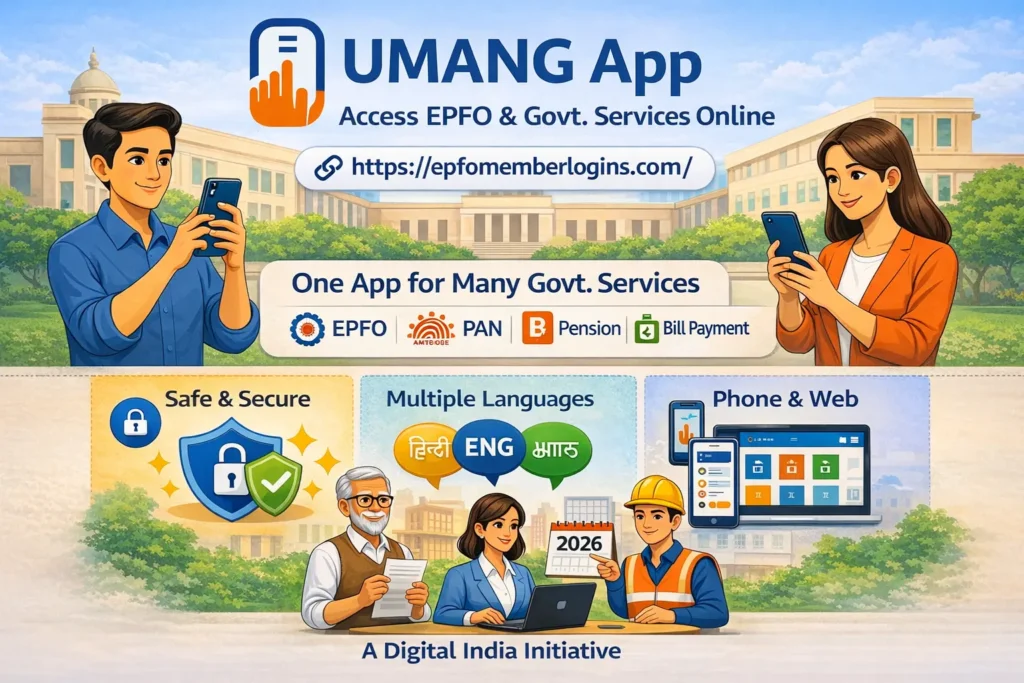
Many government services require visiting different websites, and each department has its own portal and login system. The UMANG app solves this problem. It consolidates many government services into a mobile application. Instead of opening several websites, you can access different services together from one app.
The UMANG app enables you to access many services from the Employees’ Provident Fund Organisation (EPFO). Employees can check their PF balance, download their passbook, track claim status, and activate their Universal Account Number (UAN) through the app. You can also access other public services. This app is available on Android phones, iPhones, and web browsers. Millions of users rely on it to access services quickly.
What is the UMANG App
The UMANG app is a government service platform. It enables citizens to access various government services in one convenient location. UMANG stands for (Unified Mobile Application for New-Age Governance). This app is part of the Digital India initiative. It was developed by the Ministry of Electronics and Information Technology and the National e-Governance Division.
This Umang app allows you to access services from multiple departments through a single mobile platform. You do not need to remember many website addresses. Users can access services related to Aadhaar, Permanent Account Number (PAN), pension programs, and utility bill payments. One login gives access to several services. This app is helpful for workers, retired people, and everyone else.
Why the UMANG App Was Introduced
Before this app, people had to visit multiple websites because each government service was on a different site. PF services had one site, pension services had another, and Aadhaar updates were on a separate platform.
The government introduced the UMANG app to make accessing services easy and simple. The UMANG app fixes all these problems for users.
Key reasons for launching the app:
With the help of this app, people can complete various tasks without needing to visit government offices.
Key Features of the UMANG App
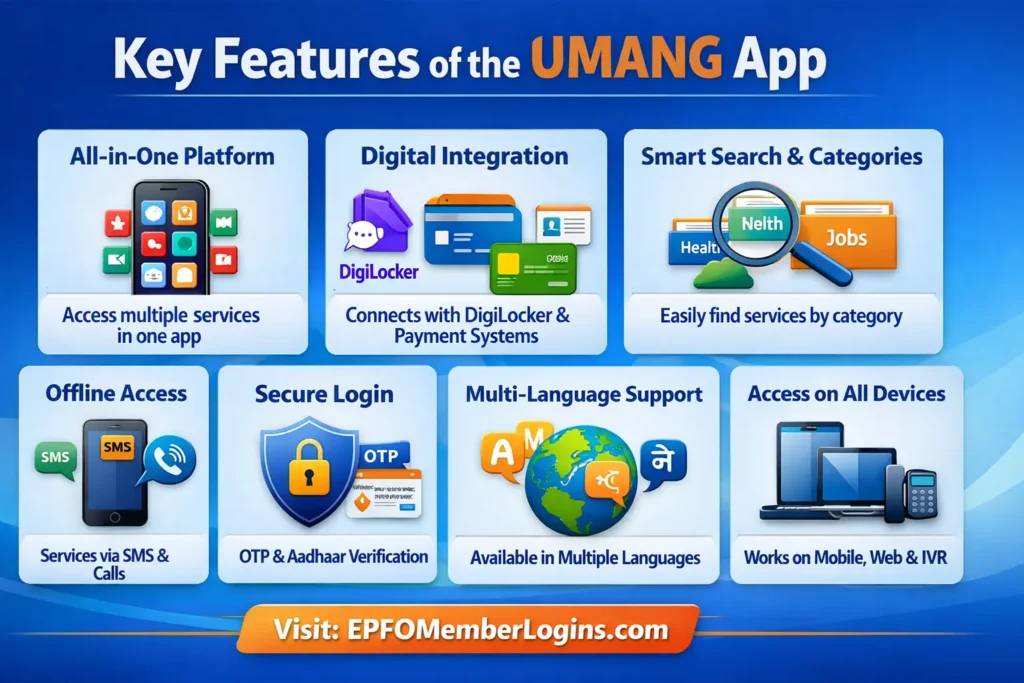
The UMANG app is simply designed to make government services accessible to everyone. Here are its main features:
This app brings many government services together in one convenient place. You don’t need to download separate apps or visit multiple websites. You can handle everything from bill payments to job services in one app, making things fast and easy.
This App connects with other government platforms like DigiLocker, payment gateways, and identity verification systems. Users can view documents, make payments, and verify information without leaving the app, and help users access services quickly.
Umang app has a smart search feature to quickly find services by name or department. Services are grouped into categories like health, education, finance, employment, and utilities, making it easy to find what you need.
It provides services through SMS and voice calls for users with limited internet access. This feature is useful in remote areas, allowing access to basic services without a smartphone or stable internet.
Employees’ security is a top priority. The app uses mobile number verification, OTP, and MPIN login to protect accounts. For some services, Aadhaar verification is also available. All personal data is handled safely, ensuring that user information is private.
UMANG is available in different Indian languages. This makes it easier for people from different regions to use the app. So, people from villages and cities can understand and use it easily.
The app is not only for smartphones. You can access services in various ways, such as mobile phones, web browsers on laptops or desktops, and even SMS or IVR services. With this feature, people who do not have smartphones can still use many government services easily.
How to Download the UMANG App
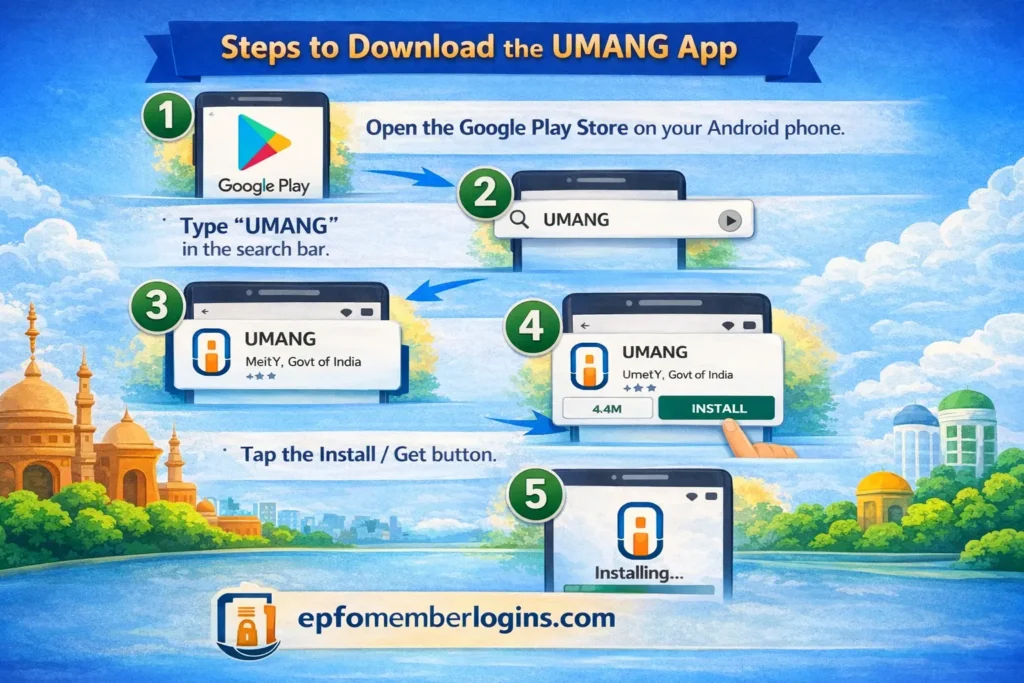
Downloading the app is quick and simple. It only takes a few minutes, and the app can be installed on both Android and iPhone devices. Once installed, you can access many government services directly from your phone.
Steps to Download the App
After the installation is complete, the UMANG app will appear on your phone’s home screen or app list. You can open it and start the registration process to access government services.
How to Register on the UMANG App
After installing the UMANG app, you can create an account. Registration requires a mobile number because verification is completed through OTP.
Basic registration steps include:
Once registration is complete, you can access services on the platform.
How to Check PF Balance Using the UMANG App
Many employees use this app to check their Provident Fund balance. This process is simple and saves time because we do not need to visit the Employees’ Provident Fund Organisation website separately. With just a few steps, employees can view their PF balance and check details directly on their mobile phones.
Steps to check PF balance:
After the verification process is completed, your PF balance will appear on the screen. You can easily see the total amount available in your provident fund account. This app helps employees to handle their provident fund savings by logging in to multiple portals.
Key Benefits of UMANG App
This app helps employees access government services online, manage important tasks, and save time without visiting government offices.
Below are some benefits of the Umang app;
Common UMANG App Issues and Solutions
When you access this app, you may face login problems. Below are some common issues and their easy solutions.
| Common Issue | Solution |
| Login errors while signing in | Check your MPIN or login details and try again after a few minutes |
| Delayed OTP messages | Wait for some time or request a new OTP |
| Slow loading or server response | Refresh the app or check your internet connection |
| Temporary service outage | Try accessing the service later after maintenance |
| App not responding or freezing | Clear the app cache or restart the app |
| Unable to access a specific service | Try again later or visit the official department website |
Who Can Use the UMANG App?
Anyone with a mobile number can register and use the UMANG app to access many government services. The app is designed for different types of users:
Conclusion
The UMANG app helps millions of people to access government services quickly and easily. Employees can check their PF balance, download EPFO passbooks, track claim status, and activate their UAN without the EPFO portal. Retired employees can access pension details, while regular citizens can use Aadhaar, PAN, DigiLocker, and bill payment services. This app helps avoid confusion and saves valuable time.
The UMANG app keeps your personal information safe. It also works in many languages, so people from all regions can use it easily. This app provides a practical and full solution for using EPFO login and government services in one place.